Think building a gaming PC means draining your wallet? You’re not alone. The myth that you must spend thousands to get a high-performance setup is everywhere.
But here’s the truth: you can create a solid and affordable gaming PC setup without overspending. I’ve spent years analyzing hardware price-to-performance ratios. I know which components offer the best value.
Let’s get straight to solving your problem. In this guide, I’ll lay out a clear, actionable system for distributing your budget across the entire setup (not just the tower). You’ll know exactly how to achieve a budget gaming PC build that performs.
Ready to stop feeling overwhelmed by options? Follow along and discover how to maximize your gaming experience without breaking the bank. Trust me, it’s easier than you think.
Defining ‘Affordable’: Setting Your Budget and Performance Goals
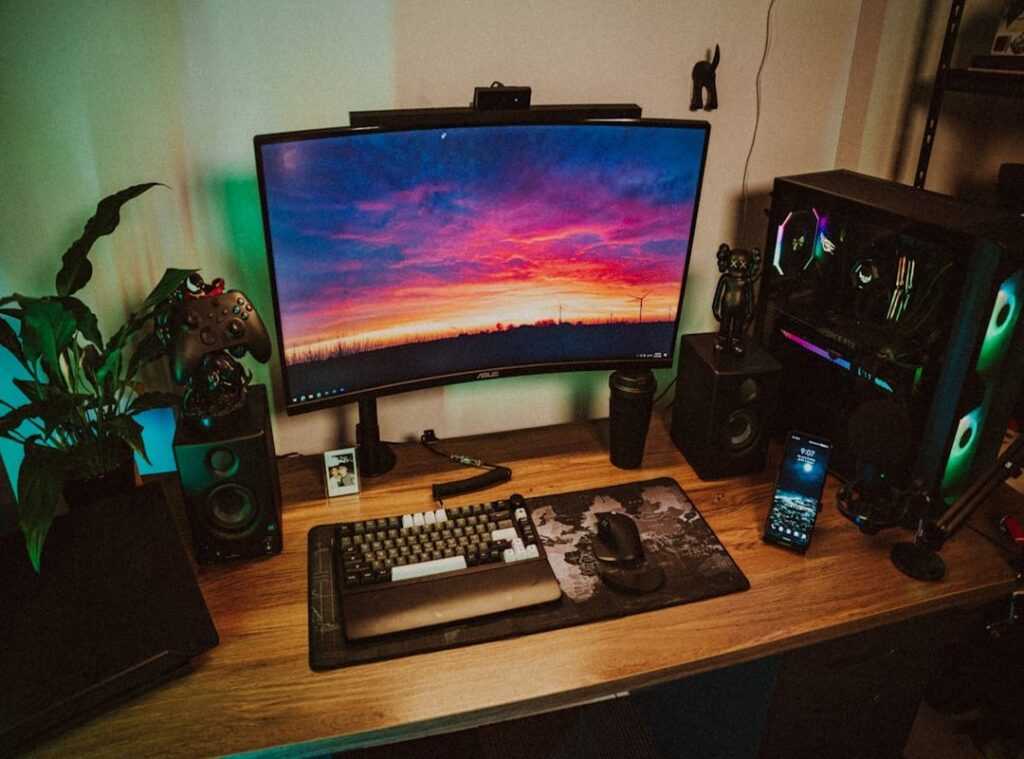
Let’s be honest, “affordable” is a slippery concept. Your idea of affordable might not line up with mine. So, start by setting a total budget for your entire setup, including the PC, monitor, and peripherals.
Sounds obvious, right? But it’s a step people skip.
Breaking it down, if you’re eyeing an entry-level $600-$750 build, you’re in the land of basic but solid. A $750-$1000 setup? Now we’re talking 1080p gaming with high settings and smooth 60+ FPS.
That’s the sweet spot for many gamers.
But here’s the kicker: manage your expectations. A $700 setup won’t magically run everything on ultra. It’s perfect for medium-to-high settings in most modern titles.
Your goal should be to squeeze every bit of performance from your budget, not to chase after the priciest components.
Remember, it’s not about buying the most expensive parts. It’s about what fits your needs. If you’re curious about tech beyond PCs, Vr Headsets What To Know Before Buying is worth a read.
It’s key to match your budget gaming PC build with realistic performance goals. Otherwise, you’re just throwing money away.
The PC Core: Spend Wisely for Maximum FPS
Let’s face it, building a budget gaming PC is a strategic game of chess. You can’t just throw money at the problem and hope for the best. You need to know where to spend and where to cut corners.
The graphics card (GPU) is your star player. It’s the heart of gaming performance. Throw about 30-40% of your budget here.
You won’t regret it. A solid GPU is the difference between a laggy experience and buttery smooth gameplay.
Now, on to the processor (CPU). Here’s where I see a lot of people making mistakes. Ever heard of a “bottleneck”?
It’s when your CPU can’t keep up with your GPU, dragging down performance. But don’t go overboard. A modern, capable CPU is what you want.
Don’t waste money on top-tier models unless you’re swimming in cash. Balance is key.
Next up, RAM and storage. Trust me, 16GB of DDR4 RAM is your sweet spot. It’s like the goldilocks of memory (just) right.
Don’t even think about skimping on an NVMe SSD. This isn’t just about speed; it’s about quality of life. Fast load times make everything smoother.
It’s an upgrade you can’t ignore.
Let’s talk power supply (PSU) and case. A reliable PSU is non-negotiable. A bad one can fry your system.
Stick with reputable brands. But when it comes to cases, you can save some bucks. Focus on airflow over aesthetics.
Your PC won’t care how it looks. It just needs to breathe.
If you’re still scratching your head, the 472468 budget gaming pc build is a good resource. It’s got the community buzzing. Whether you’re a newbie or a seasoned builder, it’s worth a look.
Building a PC doesn’t have to be a nightmare. Prioritize wisely, and you’ll get the most FPS per dollar. Simple as that.
Beyond the Tower: Assembling Your Peripherals on a Budget
Let’s face it, a budget gaming PC build isn’t complete without the peripherals. You need the right gear to make that rig worth it. Start with the monitor.

A 1080p resolution with a high refresh rate (say 120Hz or 144Hz) is the sweet spot. Anything less wastes your PC’s potential. Why fork out for a beast of a PC only to squint at a subpar display?
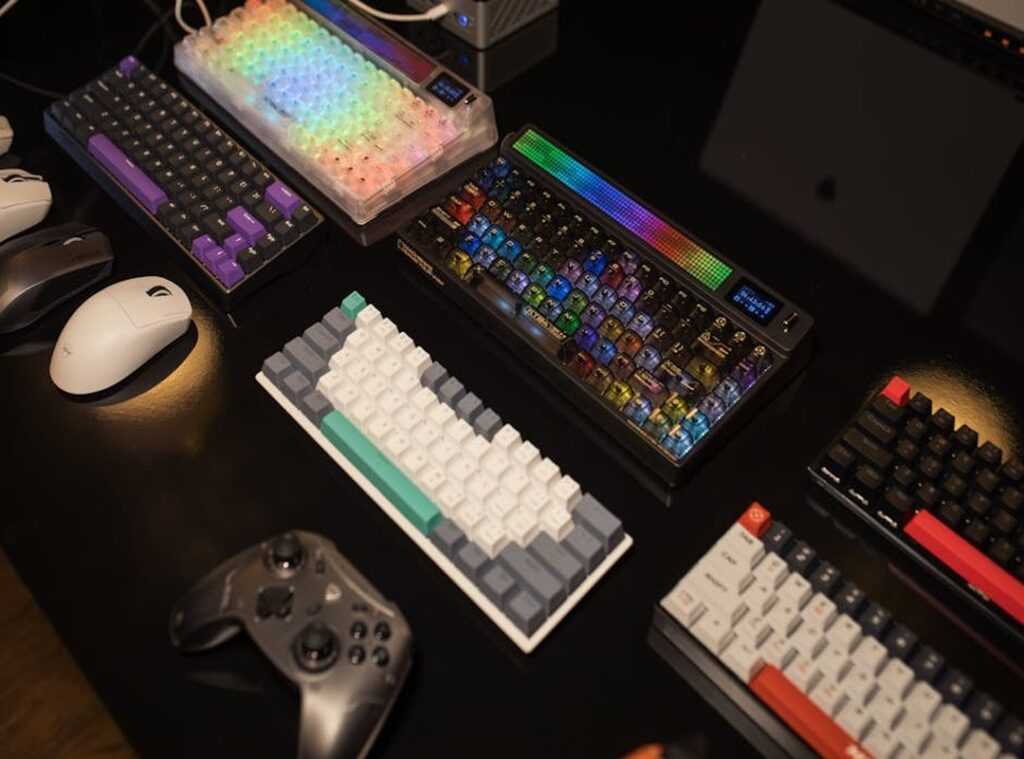
Next, the keyboard and mouse. You don’t need to shell out for big names to get quality. High-quality, budget-friendly options are everywhere if you know where to look.
Mechanical keyboards and gaming mice from lesser-known brands can save you a ton. Check out reviews and maybe even the “Ultimate Guide Gaming Keyboards” for some expert picks. Trust me, those reliable sensors and switches are out there, just hidden under the radar.
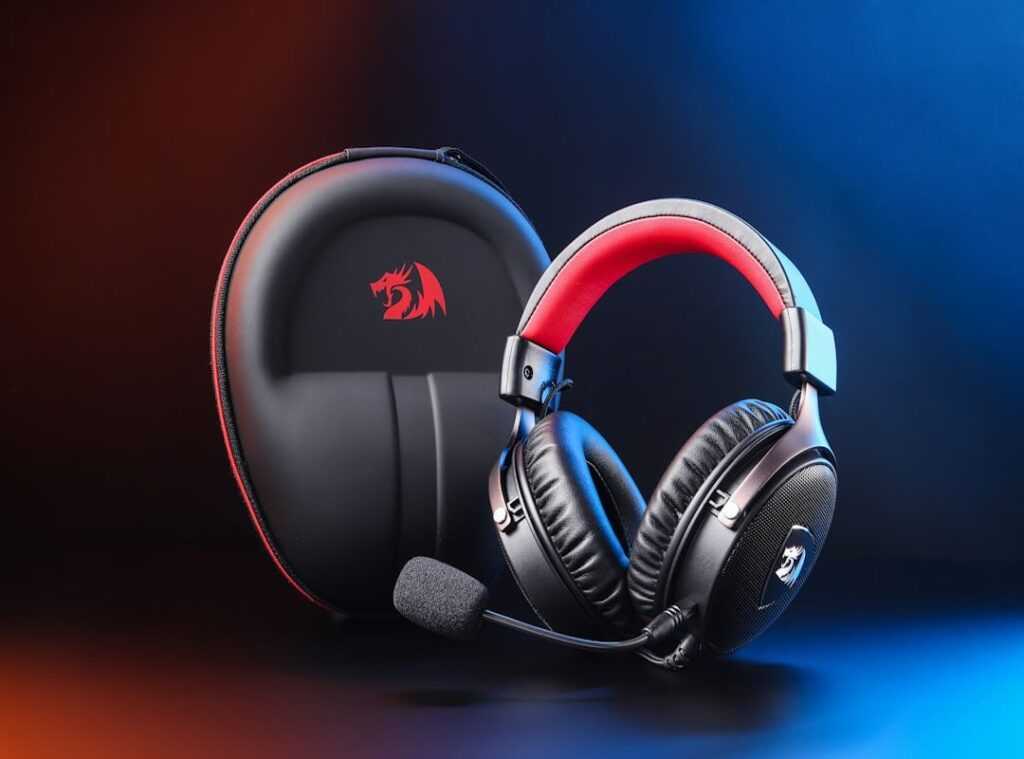
Then there’s audio. Clear comms and immersive sound are important. Forget the pricey separate headphones and mic setup.
Start with a good gaming headset. They’re convenient and deliver decent audio quality without breaking the bank. Plus, they often come with a built-in microphone that gets the job done for casual gaming and chatting.
Why overspend when you can get what you need on a budget? It’s all about knowing where to cut corners and where to invest. A few smart choices here and there, and you’ve got a setup that won’t let you down.
After all, the peripherals are what you interact with day in and day out. They can make or break your gaming experience. So, what are you waiting for?
Get the gear that matches your PC’s power without emptying your wallet.
Smart Shopping Strategies to Stretch Your Dollar Further
Shopping for a budget gaming PC build isn’t just about finding the right parts. It’s about timing. Ever notice the chaos around Black Friday and Cyber Monday?
Those sales can slash prices on components like GPUs and peripherals. But don’t just jump in blindly. You’ve got to plan your purchases around these events.
Now, let’s talk about bundles. Ever walked into Micro Center? You might find a CPU and motherboard bundle that saves you 50 bucks or more.
It’s like hitting a mini-jackpot. Why pay more when these deals are practically begging you to take them?
Used parts can be a goldmine if you know what you’re doing. I always recommend checking out older generation GPUs. They’re solid value.
But steer clear of used power supplies and hard drives. Reliability is key, and these parts just don’t cut it secondhand.
Planning for the future? Look at slightly better motherboards or power supplies than what you need right now. It’s a pro tip.
This will make upgrading easier and cheaper later. Think of it as future-proofing without breaking the bank.
But here’s the kicker: don’t just stop at the obvious. Dive deep into the sensory experience of buying. Feel the excitement of opening a box, the smell of new hardware.
It’s not just about the specs. It’s about the whole experience. That’s what makes building a gaming PC thrilling.
Game On (Build) Your Dream PC
Your budget gaming PC build isn’t just a dream. It’s right there, waiting for you to start. The dread of high costs or choosing the wrong components can be overwhelming.
But you know what? It doesn’t have to be. Prioritize your spending.
Focus on the parts that really matter for gaming. Graphics card, processor, RAM. Each choice is key.
Allocate your budget wisely and you’ll sidestep expensive mistakes.
Ready to dive in? Use this guide as your blueprint. Research, plan, and get those parts lined up.
Start your PC building journey today. If you want real power without breaking the bank, now’s the time. Take control.
Get started. Build that rig. You’re capable of far more than you think.
Now’s your moment to game with confidence.
 Marketing & Strategy Lead
Michaeliv Roldanakurt writes the kind of tech-driven gaming gear tips content that people actually send to each other. Not because it's flashy or controversial, but because it's the sort of thing where you read it and immediately think of three people who need to see it. Michaeliv has a talent for identifying the questions that a lot of people have but haven't quite figured out how to articulate yet — and then answering them properly.
They covers a lot of ground: Tech-Driven Gaming Gear Tips, Mag-Based Game Engine Explorations, Hot Topics in Gaming, and plenty of adjacent territory that doesn't always get treated with the same seriousness. The consistency across all of it is a certain kind of respect for the reader. Michaeliv doesn't assume people are stupid, and they doesn't assume they know everything either. They writes for someone who is genuinely trying to figure something out — because that's usually who's actually reading. That assumption shapes everything from how they structures an explanation to how much background they includes before getting to the point.
Beyond the practical stuff, there's something in Michaeliv's writing that reflects a real investment in the subject — not performed enthusiasm, but the kind of sustained interest that produces insight over time. They has been paying attention to tech-driven gaming gear tips long enough that they notices things a more casual observer would miss. That depth shows up in the work in ways that are hard to fake.
Marketing & Strategy Lead
Michaeliv Roldanakurt writes the kind of tech-driven gaming gear tips content that people actually send to each other. Not because it's flashy or controversial, but because it's the sort of thing where you read it and immediately think of three people who need to see it. Michaeliv has a talent for identifying the questions that a lot of people have but haven't quite figured out how to articulate yet — and then answering them properly.
They covers a lot of ground: Tech-Driven Gaming Gear Tips, Mag-Based Game Engine Explorations, Hot Topics in Gaming, and plenty of adjacent territory that doesn't always get treated with the same seriousness. The consistency across all of it is a certain kind of respect for the reader. Michaeliv doesn't assume people are stupid, and they doesn't assume they know everything either. They writes for someone who is genuinely trying to figure something out — because that's usually who's actually reading. That assumption shapes everything from how they structures an explanation to how much background they includes before getting to the point.
Beyond the practical stuff, there's something in Michaeliv's writing that reflects a real investment in the subject — not performed enthusiasm, but the kind of sustained interest that produces insight over time. They has been paying attention to tech-driven gaming gear tips long enough that they notices things a more casual observer would miss. That depth shows up in the work in ways that are hard to fake.