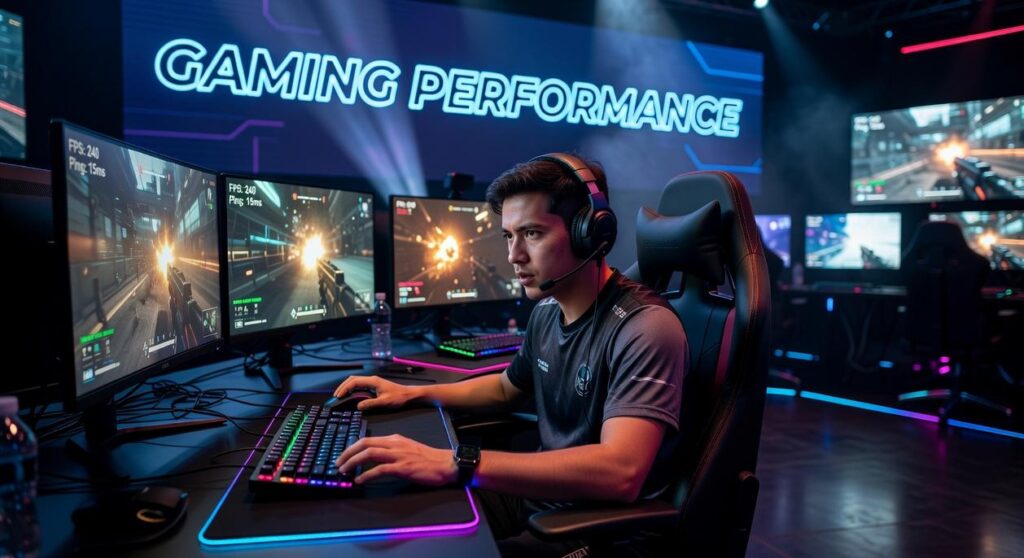
If you’re trying to decide between mechanical vs membrane keyboards for gaming, you’re probably hoping for one clear answer: which one actually gives you the edge? The internet’s full of opinions. Flashy marketing claims. Conflicting advice from streamers and gear reviews that contradict each other (sometimes on the same forum). Cutting through the noise? That’s the hard part. What actually matters for your performance isn’t always what the loudest voices claim it is, and figuring it out takes more than scrolling hot takes and spec sheets.
This article breaks down what actually matters in-game: response time, actuation force, durability, noise levels, and long-session comfort. We’ll dig into how each keyboard type performs in competitive shooters, MOBAs, and fast-paced action titles. No hype. Just practical advantages that separate a good switch from one that’ll bottleneck your play in week two. The metrics that matter aren’t flashy, they’re the ones that show up when you’re three maps in and your fingers are burning.
We dug into manufacturer specs, sifted through latency tests, and talked to competitive players who live and die by milliseconds. The result? You’ll get straight answers about which keyboard actually matches your playstyle, budget, and what you need to perform. No fluff.
By the end, you’ll know exactly which option supports your setup, and why.
Choosing your ultimate gaming edge: the keyboard dilemma
Every millisecond counts.
Most guides on mechanical vs membrane keyboards obsess over switch feel. Sure, it’s useful. But there’s more to it. What they skip over is input consistency when you’re tired, after hours of gaming, your fingers aren’t as precise. Mechanical switches use spring-loaded housings; membrane boards rely on a pressure pad sheet. That design difference changes everything:
- Actuation reset speed during strafes
- Signal rollover when multiple keys fire
- Long-session stability as domes wear down
Some argue membranes are quieter and cheaper, and they are. But lab data shows mechanical switches lasting 50-100 million presses (Cherry MX). Here’s the thing: match switch weight to your style.
Under the keycaps: how each technology actually works
First, let’s break down mechanical keyboards. Each key has its own mechanical switch, a self-contained mechanism with a spring and metal contacts. It’s like a light switch: you press, feel a distinct bump (the actuation point, where the key registers), and sometimes hear a click. The signal fires before the key hits the bottom. That’s the precision gamers chase, and it’s why mechanical keyboards dominate those endless gaming debates over membrane.
Membrane keyboards work differently. Picture a TV remote: you’ve got a rubber dome that collapses onto a single membrane layer to complete the circuit. You usually have to press the key all the way down, what’s called bottoming out. The result? Softer. Mushier. It’s a totally different feel from mechanical switches.
So what’s the core difference for gamers? Actuation vs. Bottoming out. Faster actuation means quicker inputs and less finger fatigue, lighter switches can reduce strain during long sessions. In tight matches, that split second matters. Think esports clutch moments. It’s the difference between winning and wondering what went wrong.
Performance breakdown: a head-to-head gaming analysis
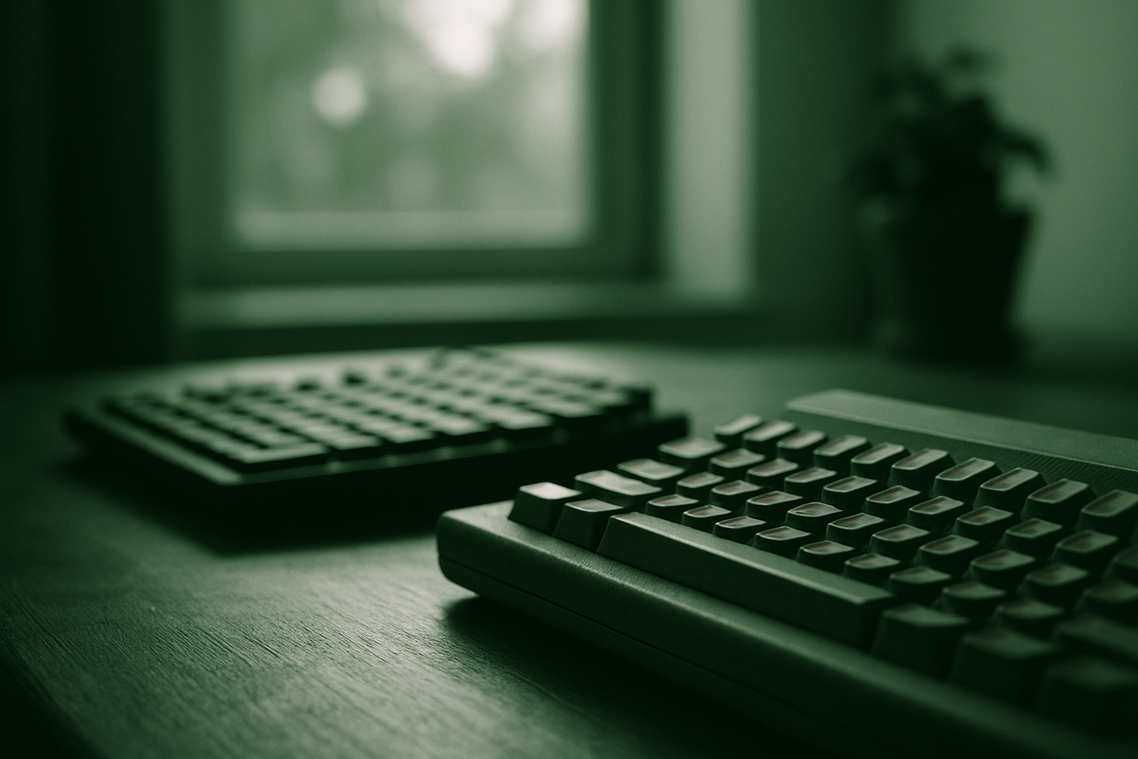
When gamers argue about performance, the conversation usually turns into a hardware arms race. Higher DPI. Faster switches. More RGB (because obviously, that adds +10 skill). But here’s the thing: most of that’s backwards.
Raw specs don’t automatically equal better performance.
Performance, in gaming terms, refers to how efficiently your hardware translates your inputs into on-screen actions. That includes latency (delay between action and response), consistency (repeatable accuracy), and ergonomics (how comfortably you can sustain play). According to NVIDIA’s latency research, lower system latency can measurably improve reaction time in competitive titles (NVIDIA Reflex, 2023). But shaving off milliseconds only matters if you can actually capitalize on them.
Competitive FPS players obsess over ultra-high DPI sensors all the time, convinced that bigger numbers mean better aim. Most pros? They stick with 400-800 DPI. Why the gap. Control and muscle memory beat inflated sensitivity stats every single time. It’s the gap between what sounds impressive on paper and what actually wins matches, owning a Formula 1 car but sitting in traffic. Paper specs don’t pull the trigger.
The same logic applies to the mechanical vs membrane keyboards gaming debate. Mechanical switches offer tactile feedback and faster actuation, true. But here’s the thing: if your reaction time averages 250 milliseconds, a 5-millisecond switch advantage won’t get you to Diamond rank. It just won’t. Comfort and consistency matter far more than the hype around them.
Some argue that top-tier gear is non-negotiable in esports, and they’re not entirely wrong, at elite levels, marginal gains do stack up. But here’s the thing: most players see far better returns from optimizing their settings, refining posture, and building solid practice routines than they ever will from chasing premium peripherals. The gap between a $30 mouse and a $300 one matters less than you’d think.
And what about sensors? Before upgrading blindly, it’s worth asking: do gaming mice sensors make a difference. The answer depends on tracking accuracy, lift-off distance, and surface calibration—not marketing labels.
Pro tip: benchmark your real in-game performance before and after hardware changes. If your K/D ratio or aim-tracking scores don’t improve, the bottleneck probably isn’t your gear.
Performance isn’t about owning the flashiest setup. It’s about aligning tools, skill, and strategy into one cohesive system.
Which keyboard wins for your favorite game genre?
Picking the right keyboard matters more than you might think, it shapes your reaction time, accuracy, and how tired your hands get. The mechanical versus membrane debate gets heated in gaming circles, but honestly? What you play is what decides it.
Mechanical keyboards have individual switches under each key. They’re built to last, rated for 50-100 million keystrokes according to Cherry MX data. Membrane keyboards? Different beast entirely. They use a pressure pad system instead of switches, tend to be quieter and more affordable. But there’s a catch: durability takes a hit. Manufacturers like SteelSeries rate them for just 5-10 million keystrokes. That’s the trade-off.
For competitive FPS titles like Valorant or CS2, speed matters, a lot. Mechanical switches, especially linear ones, hit actuation points as low as 1.2mm. According to RTINGS latency tests, many mechanical gaming keyboards clock in under 5ms input lag, while budget membrane models tend to lag behind. That difference might seem negligible. In esports, it isn’t. Milliseconds decide rounds.
For MMORPGs or MOBAs, comfort during those marathon sessions matters. Mechanical keyboards give you tactile feedback that prevents bottoming out, that painful moment when your fingers slam all the way down and your hand pays the price. The Human Factors and Ergonomics Society’s research backs this up: it actually lowers finger strain. And that’s not nothing when you’re grinding for hours on end.
That said, membrane keyboards aren’t useless (despite the internet drama). They’re:
- Quieter for shared spaces
- More affordable for casual players
- Often spill-resistant by design
Rhythm gamers? Mechanical wins for consistency. Strategy gamers? Either works.
Pro tip: If possible, test switch types in-store. Linear, tactile, and clicky each feel different—and preference affects performance more than hype.
There’s no universal champion. The “best” keyboard is the one that matches your genre, budget, and playstyle, not whatever your favorite streamer’s hawking.
Price comes first. Membrane keyboards sit at the budget end, so they’re an easy entry point for new players. Mechanical boards? They’re a long-term performance investment. That upfront gap matters in mechanical vs membrane keyboards gaming debates.
Then there’s sound. Mechanical switches give you that loud, distinct click, music to some ears, a roommate’s nightmare to others, while membrane models keep things quiet for those late-night gaming binges or streaming sessions.
Customization’s where things really diverge. You can swap keycaps and switches on a mechanical board, totally transform how it feels and looks. Membrane keyboards? You’re stuck with what comes in the box. Budget, space, personal preference, they all matter, but not equally depending on what you actually use the board for. If you’ve got the chance, test both kinds before you commit to either one. The difference is real.
The final verdict: which keyboard should you buy?
For serious or competitive gamers, the mechanical vs membrane keyboards gaming debate really hinges on feel. Press a mechanical key and you get that crisp, satisfying click, feel the tactile bump under your fingertips, watch inputs register instantly. Membrane boards? They feel softer. Mushier. Like pressing into foam. Sure, the cheaper option works fine for casual play. But when milliseconds matter, durability, speed, and precision aren’t abstract benefits anymore. They’re the difference. The upfront cost stings, yeah, but think of it as a long-term investment. Budget tight? Settle for membrane.
Level up your setup with the right keyboard
You came here wanting to understand what actually separates mechanical from membrane keyboards in gaming. Now you do. The difference comes down to speed, durability, feel, and whether you’re gaining a real competitive edge. Want millisecond advantages in ranked play? Go mechanical. Need something cheaper that still performs? Membrane works fine. Either way, your keyboard directly impacts reaction time and consistency, so don’t overthink it, just pick one that fits your budget and stick with it.
Pick the wrong switch and you’re stuck with missed inputs, slower actuation, gameplay ceilings you’ll smash into and hate. The right keyboard does something different. Sharper control, better feedback, the real confidence to nail every move exactly how you want it.
If you’re serious about upgrading your gameplay, stop guessing on gear. Our in-depth breakdowns show you exactly how different setups perform, comparing specs and running the numbers so you don’t waste time on what doesn’t matter. We analyze what competitive play actually demands. Gamers who demand precision come here for a reason. The tech-driven recommendations work because they’re built on real performance data, not marketing noise.
Upgrade your setup today, check out our latest keyboard guides and find the perfect fit for your playstyle now.
 Founder & CEO
Ask Koralia Tornhanna how they got into mag-based game engine explorations and you'll probably get a longer answer than you expected. The short version: Koralia started doing it, got genuinely hooked, and at some point realized they had accumulated enough hard-won knowledge that it would be a waste not to share it. So they started writing.
What makes Koralia worth reading is that they skips the obvious stuff. Nobody needs another surface-level take on Mag-Based Game Engine Explorations, Hot Topics in Gaming, Core Mechanics and Playstyles. What readers actually want is the nuance — the part that only becomes clear after you've made a few mistakes and figured out why. That's the territory Koralia operates in. The writing is direct, occasionally blunt, and always built around what's actually true rather than what sounds good in an article. They has little patience for filler, which means they's pieces tend to be denser with real information than the average post on the same subject.
Koralia doesn't write to impress anyone. They writes because they has things to say that they genuinely thinks people should hear. That motivation — basic as it sounds — produces something noticeably different from content written for clicks or word count. Readers pick up on it. The comments on Koralia's work tend to reflect that.
Founder & CEO
Ask Koralia Tornhanna how they got into mag-based game engine explorations and you'll probably get a longer answer than you expected. The short version: Koralia started doing it, got genuinely hooked, and at some point realized they had accumulated enough hard-won knowledge that it would be a waste not to share it. So they started writing.
What makes Koralia worth reading is that they skips the obvious stuff. Nobody needs another surface-level take on Mag-Based Game Engine Explorations, Hot Topics in Gaming, Core Mechanics and Playstyles. What readers actually want is the nuance — the part that only becomes clear after you've made a few mistakes and figured out why. That's the territory Koralia operates in. The writing is direct, occasionally blunt, and always built around what's actually true rather than what sounds good in an article. They has little patience for filler, which means they's pieces tend to be denser with real information than the average post on the same subject.
Koralia doesn't write to impress anyone. They writes because they has things to say that they genuinely thinks people should hear. That motivation — basic as it sounds — produces something noticeably different from content written for clicks or word count. Readers pick up on it. The comments on Koralia's work tend to reflect that.